Databases Series: News for You

Hello!  My name’s Rebecca.  For those who haven’t been following this series, I am the Information Literacy Librarian here at the Chester County Library.  (You might recognize me as the librarian with the purple hair!)  Welcome to this series here on our blog where every week (or thereabouts) I’ll be introducing you to one of the library’s databases.  A library database, for those who are unsure, is essentially just an online resource that the library pays for so that you can access it for free with your library card!

Following in the past couple weeks’ trend of introducing you to newspapers, I would like to talk a little about News for You.  News for You is a weekly news publication written at a basic adult English level for ESL (English as a Second Language) speakers and others with limited English proficiency.  The articles cover a wide-range of subjects both domestic and international.

For those who prefer to read a physical newspaper, we do offer copies on a limited basis for free upon request at the CCL Reference Desk.  But for those who don’t mind reading online, News for You Online includes curriculum and assignments for ESL students and teachers, vocabulary lists pulled from the week’s articles, teacher guides and voting guides, and more to support English language learning.  The best feature, however, is the built-in ability to listen to the articles read out loud.  You can click the play button at the top of each article to play the article out loud in full, or you can click on a single sentence to hear only that sentence.

Contact the Reference Desk at 610-344-5957 or ref@ccls.org to receive the login code.

Find News for You Online on our website by going to chescolibraries.org –> Tools and Research –> All CCLS Databases –> N –> News for You Digital Access

This post is number thirteen in this databases series!  If you missed the previous installments, you can view them here.

Databases Series: The Philadelphia Inquirer

Hello!  My name’s Rebecca.  For those who haven’t been following this series, I am the Information Literacy Librarian here at the Chester County Library.  (You might recognize me as the librarian with the purple hair!)  Welcome to this series here on our blog where every week (or thereabouts) I’ll be introducing you to one of the library’s databases.  A library database, for those who are unsure, is essentially just an online resource that the library pays for so that you can access it for free with your library card!

Last week, I introduced you to how to access the New York Times online through the library, and this week I’d like to similarly introduce you to how to access and navigate The Philadelphia Inquirer online through the library.  Just as with the New York Times, access to The Philadelphia Inquirer is completely free with your library card, but The Philadelphia Inquirer through us might look a little different from The Philadelphia Inquirer’s standard website.  This is because our access to The Philadelphia Inquirer is through an organization called NewsBank that aggregates the current issues with historical records. 

So when you click our link to access The Philadelphia Inquirer, you will notice that you have three options to choose from.  The Philadelphia Inquirer 1829-1922 in image format, The Philadelphia Inquirer 1981-current in text format, and The Philadelphia Inquirer 2018-current in image format.  The difference between image format and text format is that image format is essentially just a scanned copy of the physical newspaper whereas the text format is just the text of the articles.  Text format articles will show up in a list of links to each article individually categorized by section of the newspaper.  Image format will show the entire issue at once with clickable thumbnail images down the side of the screen that you can click through similar to how you would flip through the pages of a physical newspaper.  You can use the viewer pane to zoom in and out of the page to make articles easier to read.  So all you have to do to read The Philadelphia Inquirer is choose between image and text format, choose your issue date, and start reading!

Find our links to The Philadelphia Inquirer on our website by going to chescolibraries.org –> Tools and Research –> All CCLS Databases –> P –> Philadelphia Inquirer

This post is number twelve in this databases series!  If you missed the previous installments, you can view them here.

2025 Reading Challenge! March

An image of a post-it on a blue background with the text "March: A book with a woman protagonist" written on it along with a silhouette in profile of a woman.

Welcome to the third month of the Chester County and Henrietta Hankin Branch Libraries’ 2025 Reading Challenge! The challenge is open to all readers reading at a Young Adult or Adult level in any format.

Each month, there will be a new reading prompt to follow. The reading challenge prompt for March is “A book with a woman protagonist.”

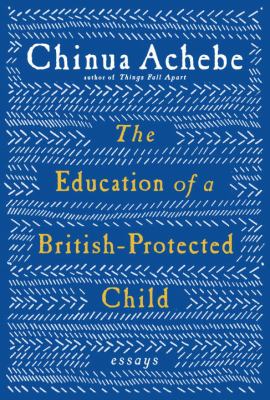
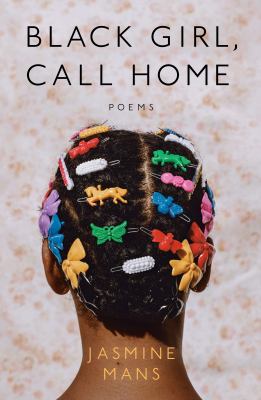
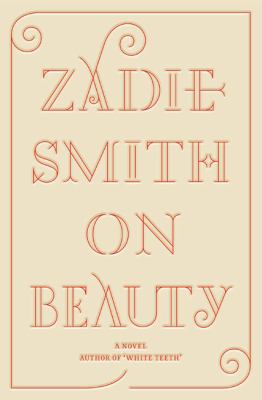
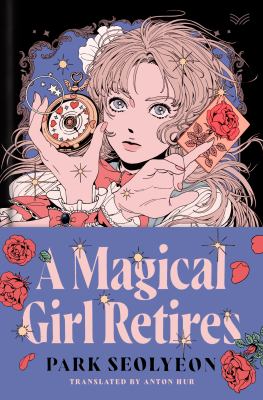
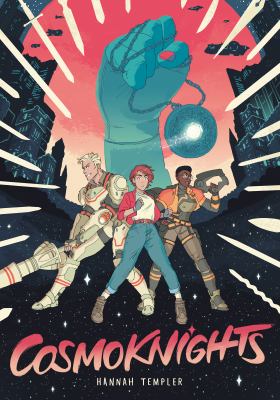
Need inspiration for what to read? Check out a few suggested reads below! See the full list on our catalog here. Make sure to also visit the library to explore our interactive book display.

If you need even more inspiration for books to read or listen to, feel free to request Personalized Reading Suggestions or check out the NoveList Plus database.

No registration is necessary to participate in the challenge. To get started, simply pick up a physical tracking log at the Reference Desk or print one out at home using the link provided in the Resources section of the Reading Challenge page at https://bit.ly/CCLReadingChallenge2025.

Happy reading!

Databases Series: New York Times

Hello!  It’s Rebecca again!  I hope you enjoyed or learned something new from last week’s post by Mikaila, our Business and Career Librarian.  For those who haven’t been following this series, I am the Information Literacy Librarian here at the Chester County Library.  (You might recognize me as the librarian with the purple hair!)  Welcome to this series here on our blog where every week (or thereabouts) I’ll be introducing you to one of the library’s databases.  A library database, for those who are unsure, is essentially just an online resource that the library pays for so that you can access it for free with your library card!

Today, I’m going to introduce you to the New York Times.  That might sound a bit silly, because I’m sure all of you know what the New York Times is, but I’d bet some of you didn’t know that you could access the online version of this newspaper for free through the Chester County Library System! 

Access from home is provided in the form of a 24-hour day pass that can be renewed every day.  To get this day pass, first you’ll want to create an account with the New York Times website.  All you’ll need to do is input your email address and create a password.  Once you have an account with the website, go back to our databases page and click the Remote Access link to bring you to the page that will allow you to connect your library card to your account for the day.  You will then have full access to the New York Times online for 24 hours. To gain access again the next day, just click on that same Remote Access link, log in to your account if you aren’t already, and connect your library card.

Access from within the library is one step easier!  If you are on the library’s wifi network, all you need to do is create or log in to your account to get full access.  No need to link your library card and no 24-hour access limitation.

Find our links to the New York Times on our website by going to chescolibraries.org –> Tools and Research –> All CCLS Databases –> N –> New York Times

This post is number eleven in this databases series! If you missed the previous installments, you can view them here.

Databases Series: Reference Solutions

Hello!  My name is Mikaila.  I am the Business and Career Librarian here at Chester County Library, and I’m excited to be the first guest star on this series!  In line with the former posts, I’ll be introducing you to one of the library’s databases.  A library database, for those who are unsure, is essentially just an online resource that the library pays for so that you can access it for free with your library card!

This week, I’ll be discussing Reference Solutions (formerly known as Reference USA).  Reference Solutions is a multi-database resource that focuses on U.S. and Canadian data.  I usually describe it as an in-depth white pages/yellow pages in which you can research information on over 104 million U.S. businesses and 322 million consumers.  This tool is invaluable to small businesses who are looking to do the following: research your competition, so you can see where your competition is located as well as a snapshot of their business to get an idea of their day-to-day operating; create mailing lists for vendors, B2B, and B2C; record data and download heat maps for your reference or to input in a business plan; and generally better understand how you and your market fit in your service area.  Reference Solutions is updated regularly to ensure your research is verified.

Find Reference Solutions on our website by going to chescolibraries.org –> Tools and Research –> All CCLS Databases –> R –> Reference Solutions

This post is number ten in this databases series! If you missed the previous installments, you can view them here.
Databases Series: Kanopy

The logo for Kanopy Plus and Kanopy Kids.  The logo for Kanopy Plus is text in varying shades of white, orange, and red.  The logo for Kanopy Kids is images of cartoon characters around the text.

Hello!  My name is Rebecca, and I am the Information Literacy Librarian here at the Chester County Library.  (You might recognize me as the librarian with the purple hair!)  Welcome to a new series here on our blog where every week (or thereabouts) I’ll be introducing you to one of the library’s databases.  A library database, for those who are unsure, is essentially just an online resource that the library pays for so that you can access it for free with your library card!

Today, I will introduce you to Kanopy, our free streaming service.  Kanopy offers films, TV shows, documentaries, and children’s programming available to stream on-demand for free with your library card.  While the content you can find on the site won’t be the latest big blockbuster, you can find a wide and ever-growing collection of audiovisual content, from the well-known to the lesser-known, from the BBC and classic films, to anime and K-Dramas, to children’s storytimes and PBS Kids.  There’s something on there for everyone!

Want to make sure your kids access only the media appropriate for them?  Click on the Kids button in the top right-hand corner to only show Kanopy Kids programs.

Stream Kanopy on your computer, through the mobile app on your smartphone or tablet, or through the SmartTV app directly on your television.  Just add your library card, create an account with your email and a password, and you’re in!

Find Kanopy on our website by going to chescolibraries.org –> Downloads.  Click on the orange button that says “Click Here” under Kanopy Plus, and it will take you directly to Kanopy.

This post is number nine in this databases series! If you missed the previous installments, you can view them here.
Databases Series: Black Freedom Struggle

Hello!  My name is Rebecca, and I am the Information Literacy Librarian here at the Chester County Library.  (You might recognize me as the librarian with the purple hair!)  Welcome to a new series here on our blog where every week (or thereabouts) I’ll be introducing you to one of the library’s databases.  A library database, for those who are unsure, is essentially just an online resource that the library pays for so that you can access it for free with your library card!

In honor of Black History Month, today I will tell you a little bit about our Black Freedom Struggle database.  This database has a curated selection of primary sources designed for teaching and learning about the struggles and triumphs of Black Americans and is available for free to everyone regardless of whether you have a library card or not.  Developed with input from Black history scholars and advisors, its easily discoverable materials are ideal for assignments and special projects focused on U.S. Black history.  Browse the materials by historical period, peruse featured documents, or use its resource guides to direct your learning.

Find Black Freedom Struggle on our website by going to chescolibraries.org –> Tools and Research –> All CCLS Databases –> B –> Black Freedom Struggle

This post is number eight in this databases series! If you missed the previous installments, you can view them here.

2025 Reading Challenge! February

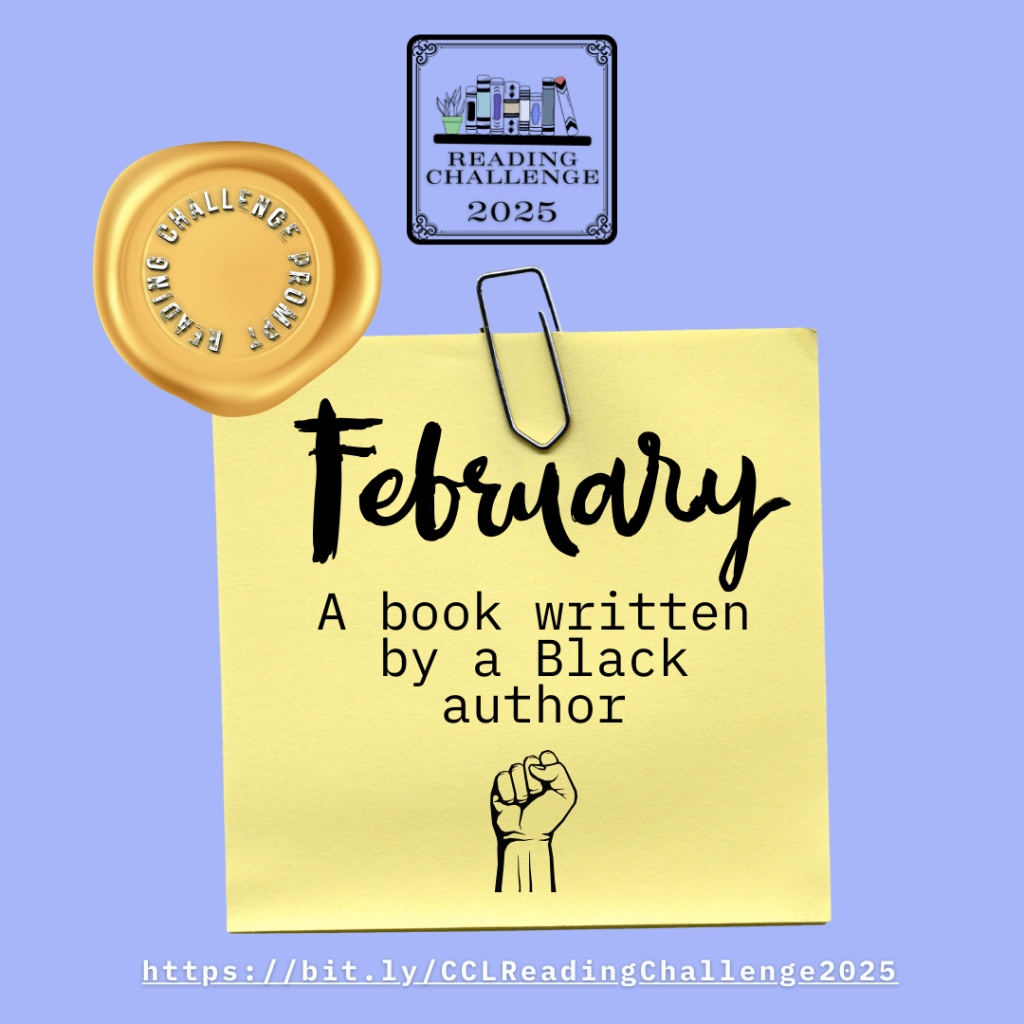
An image of a post-it on a blue background with the text "February: A book written by a Black author" written on it along with an image of a raised, clenched fist.

Welcome to the second month of the Chester County and Henrietta Hankin Branch Libraries’ 2025 Reading Challenge! The challenge is open to all readers reading at a Young Adult or Adult level in any format.

Each month, there will be a new reading prompt to follow. The reading challenge prompt for February is “A book written by a Black author.”

Need inspiration for what to read? Check out a few suggested reads below! See the full list on our catalog here. Make sure to also visit the library to explore our interactive book display.

If you need even more inspiration for books to read or listen to, feel free to request Personalized Reading Suggestions or check out the NoveList Plus database.

No registration is necessary to participate in the challenge. To get started, simply pick up a physical tracking log at the Reference Desk or print one out at home using the link provided in the Resources section of the Reading Challenge page at https://bit.ly/CCLReadingChallenge2025.

Happy reading!

Databases Series: Flipster

Hello!  My name is Rebecca, and I am the Information Literacy Librarian here at the Chester County Library.  (You might recognize me as the librarian with the purple hair!)  Welcome to a new series here on our blog where every week (or thereabouts) I’ll be introducing you to one of the library’s databases.  A library database, for those who are unsure, is essentially just an online resource that the library pays for so that you can access it for free with your library card!

This week, I’d like to introduce you to Flipster.  Many of you have likely heard of Flipster, and some of you may even use it regularly.  But for those who don’t know much about it, Flipster is where you can find our collection of digital magazines. 

You can find over 100 magazine titles on Flipster, including HGTV Magazine, Rolling Stone, The New Yorker, Bon Appétit, and the Consumer Reports Buying Guide.  There are no holds; you can access any issue of any magazine at any time.  Issues will go back even as far as 2015 in some cases!  Access Flipster through your web browser or download the app on your smartphone or tablet.  Just log in with your library card number.

Find Flipster on our website by going to chescolibraries.org –> Downloads.  Click on the orange button that says “Click Here” under Read Digital Magazines, and it will take you directly to Flipster. Or go to your app store and download the Flipster app for your mobile device.

This post is number seven in this databases series! If you missed the previous installments, you can view them here.
Databases Series: Ancestry Library Edition

Hello!  My name is Rebecca, and I am the Information Literacy Librarian here at the Chester County Library.  (You might recognize me as the librarian with the purple hair!)  Welcome to a new series here on our blog where every week (or thereabouts) I’ll be introducing you to one of the library’s databases.  A library database, for those who are unsure, is essentially just an online resource that the library pays for so that you can access it for free with your library card!

Welcome to the sixth installment in the series!  If you missed the previous ones, you can find them here.  Today, I will talk a little about Ancestry Library Edition.  Many if not most of you have likely heard of Ancestry before, but if not, Ancestry is one of the leading online resources for genealogical (family history) research.  Ancestry has 30 billion records from all over the world, from census and immigration data to historical newspapers, maps, photographs, and more.  Ancestry Library Edition gets you access to Ancestry’s wealth of information as long as you are on a library computer or connected to the library’s Wi-Fi network.

Pro tip:  While you cannot create an account on Ancestry Library Edition, and thus cannot save your research to the website, you can create a free family tree account on the regular Ancestry website, so you can download records from Ancestry Library Edition and then upload them into your family tree on the main site.

Find Ancestry Library Edition on our website by going to chescolibraries.org –> Tools and Research –> All CCLS Databases –> A –> Ancestry Library Edition

For more genealogy research, you can also check out HeritageQuest or MyHeritage Library Edition.  HeritageQuest is owned by the same company as Ancestry, so you might recognize the user interface; it carries fewer records than Ancestry, but it has the collection of Freedman’s Bank records, which is unique to this resource.  MyHeritage Library Edition is a genealogy resource provided for free to all Pennsylvania library card holders through the State Library of Pennsylvania; it has 20+ billion records and is available in 42 languages.  Find HeritageQuest by going to chescolibraries.org –> Tools and Research –> All CCLS Databases –> H –> HeritageQuest.  Find MyHeritage Library Edition by going to chescolibraries.org –> Tools and Research –> All CCLS Databases –> M –> MyHeritage Library Edition.