2025 Reading Challenge! December

An image of a post-it on a blue background with the text "December: A fairytale, folklore, or classic novel reimagining" written on it along with the silhouette of a dragon.

Welcome to the final month of the Chester County and Henrietta Hankin Branch Libraries’ 2025 Reading Challenge! The challenge is open to all readers reading at a Young Adult or Adult level in any format.

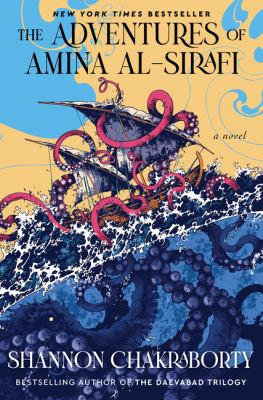
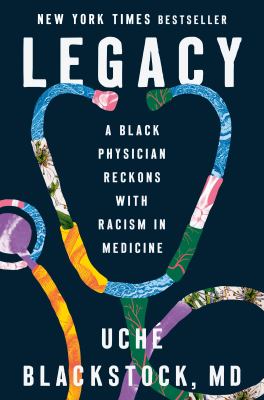
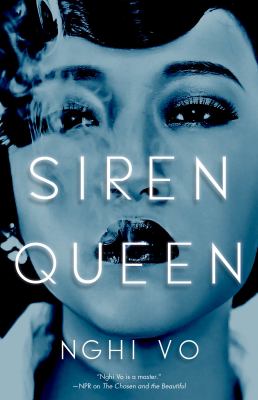
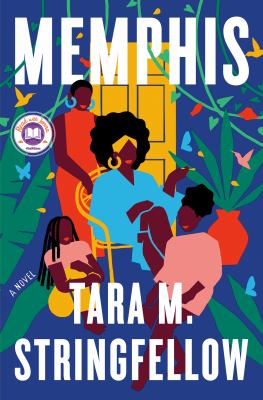
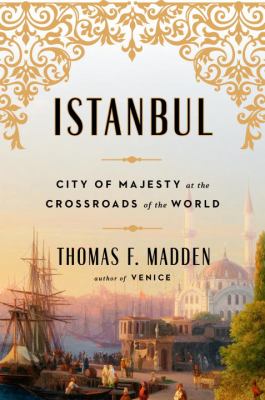
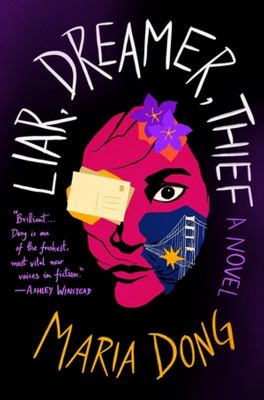
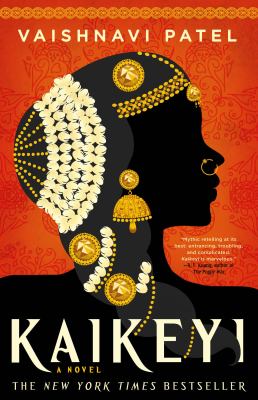
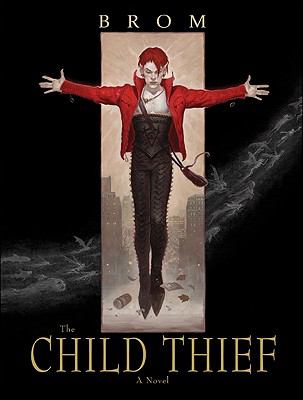
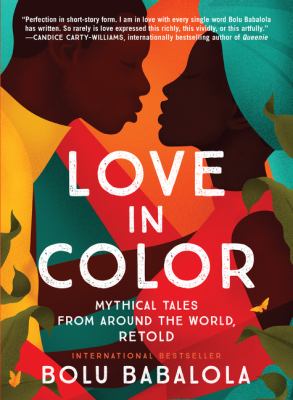
December’s reading challenge prompt is “A fairytale, folklore, or classic novel reimagining.”

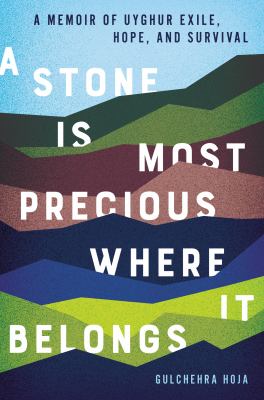
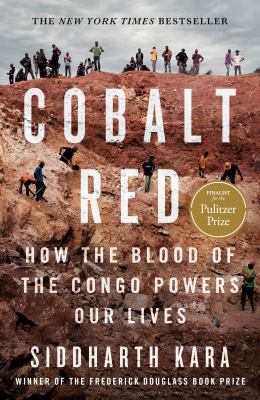
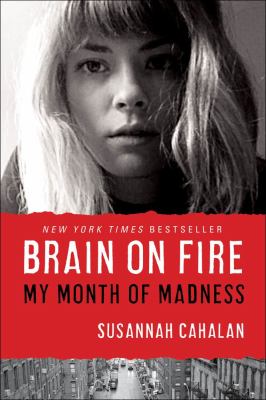
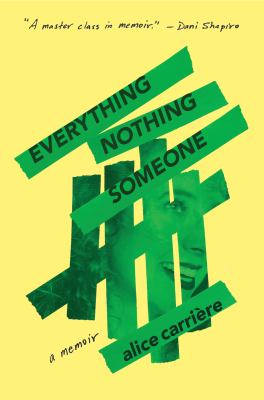
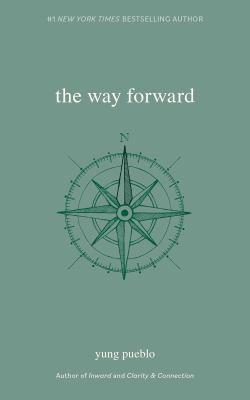
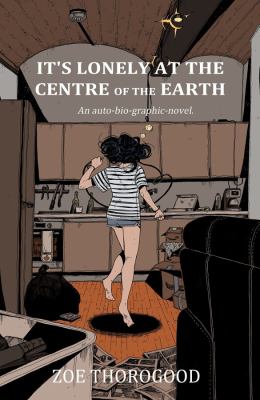
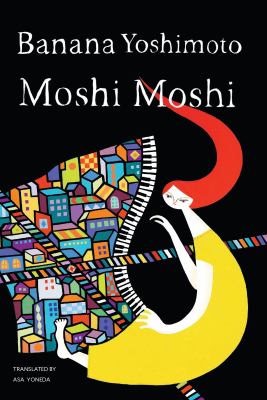
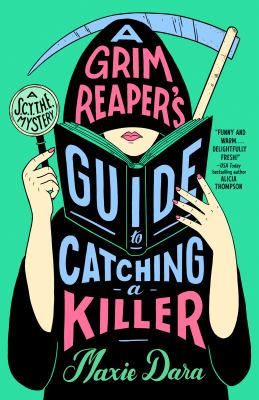
Need inspiration for what to read? Check out a few suggested reads below! See the full list on our catalog here. Make sure to also visit the library to explore our interactive book display.

If you need even more inspiration for books to read or listen to, feel free to request Personalized Reading Suggestions.

No registration is necessary to participate in the challenge. To get started, simply pick up a physical tracking log at the Reference Desk or print one out at home using the link provided in the Resources section of the Reading Challenge page at bit.ly/2025ReadingChallenge.

Happy holidays and happy reading! And be sure to keep an eye out for next year’s challenge!

2025 Reading Challenge! November

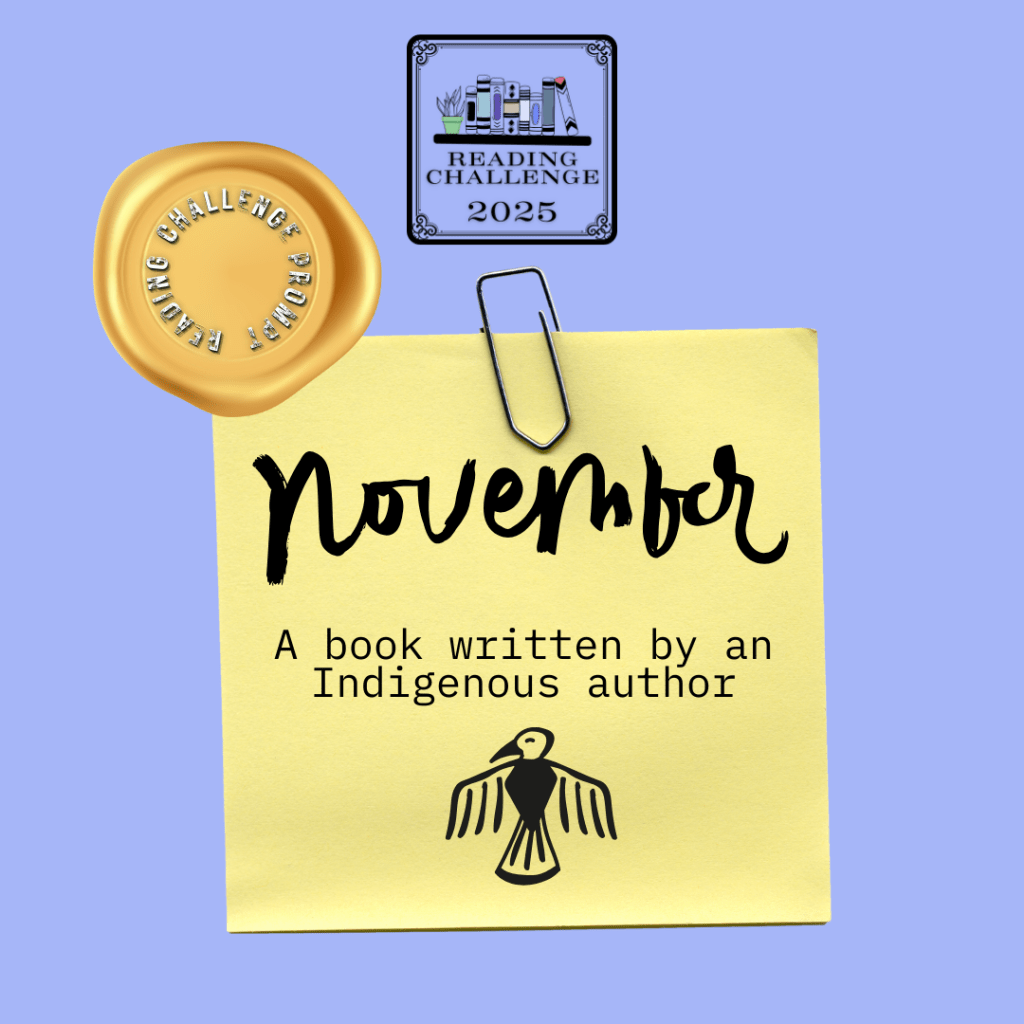
An image of a post-it on a blue background with the text "November: A book written by an Indigenous author" written on it along with the silhouette of a thunderbird.

Welcome to the eleventh month of the Chester County and Henrietta Hankin Branch Libraries’ 2025 Reading Challenge! The challenge is open to all readers reading at a Young Adult or Adult level in any format.

Each month, there will be a new reading prompt to follow. The reading challenge prompt for November is “A book written by an Indigenous author.”

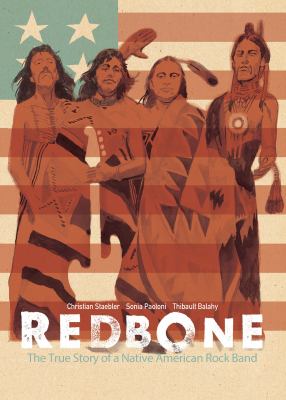
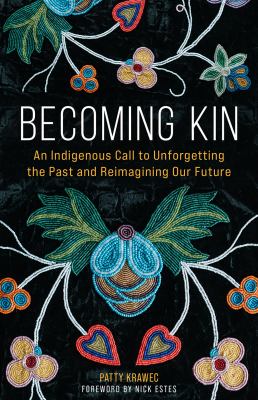
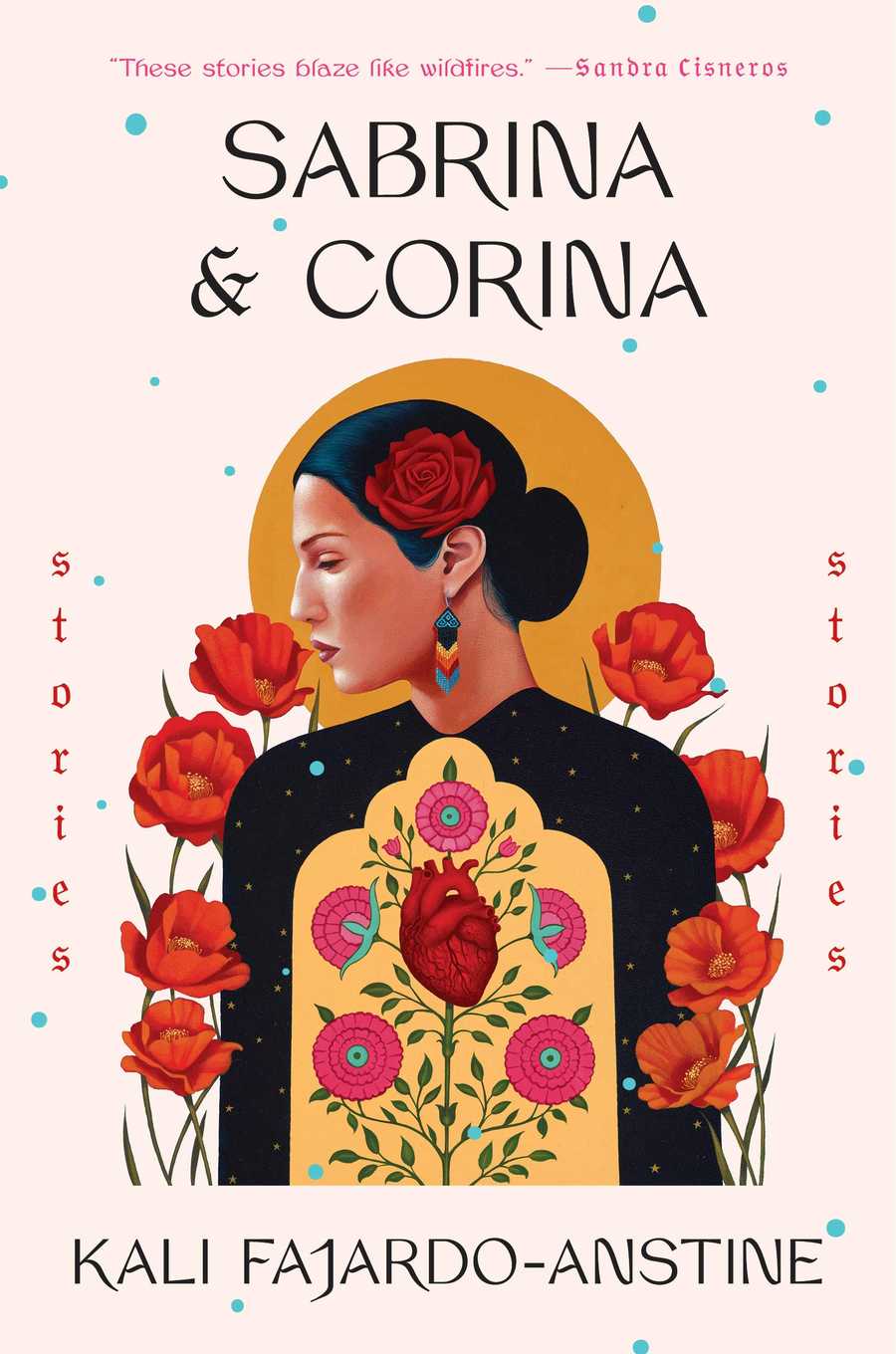
Need inspiration for what to read? Check out a few suggested reads below! See the full list on our catalog here. Make sure to also visit the library to explore our interactive book display.

If you need even more inspiration for books to read or listen to, feel free to request Personalized Reading Suggestions.

No registration is necessary to participate in the challenge. To get started, simply pick up a physical tracking log at the Reference Desk or print one out at home using the link provided in the Resources section of the Reading Challenge page at bit.ly/2025ReadingChallenge.

Happy reading!

2025 Reading Challenge! October

An image of a post-it on a blue background with the text "October: A thriller, mystery, or horror book" written on it along with the silhouette of a spooky hand.

Welcome to the tenth month of the Chester County and Henrietta Hankin Branch Libraries’ 2025 Reading Challenge! The challenge is open to all readers reading at a Young Adult or Adult level in any format.

Each month, there will be a new reading prompt to follow. The reading challenge prompt for October is “A thriller, mystery, or horror book.”

Need inspiration for what to read? Check out a few suggested reads below! See the full list on our catalog here. Make sure to also visit the library to explore our interactive book display, which will be up after our Banned Books Week display.

If you need even more inspiration for books to read or listen to, feel free to request Personalized Reading Suggestions.

No registration is necessary to participate in the challenge. To get started, simply pick up a physical tracking log at the Reference Desk or print one out at home using the link provided in the Resources section of the Reading Challenge page at bit.ly/2025ReadingChallenge.

Happy reading!

2025 Reading Challenge! September

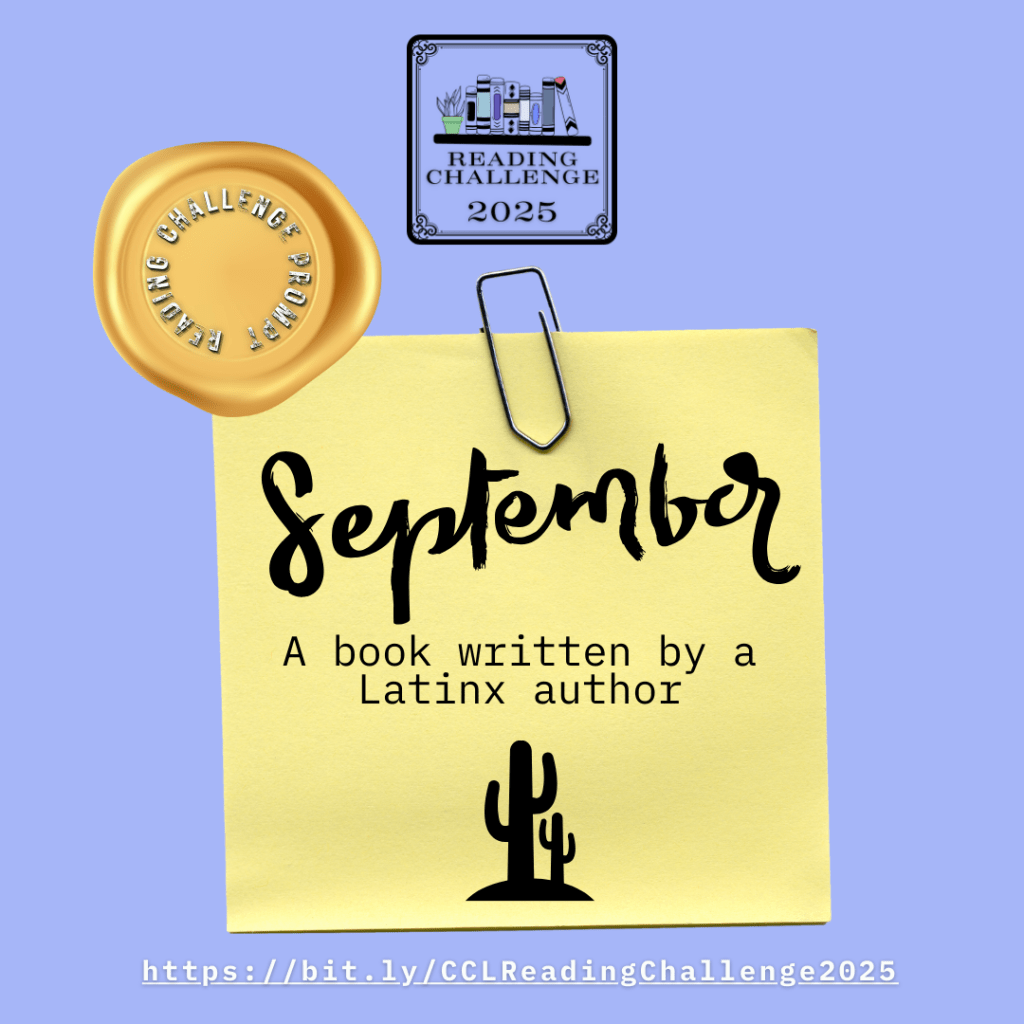
An image of a post-it on a blue background with the text "September: A book written by a Latinx author" written on it along with the silhouette of a cactus.

Welcome to the ninth month of the Chester County and Henrietta Hankin Branch Libraries’ 2025 Reading Challenge! The challenge is open to all readers reading at a Young Adult or Adult level in any format.

Each month, there will be a new reading prompt to follow. The reading challenge prompt for September is “A book written by a Latinx author.”

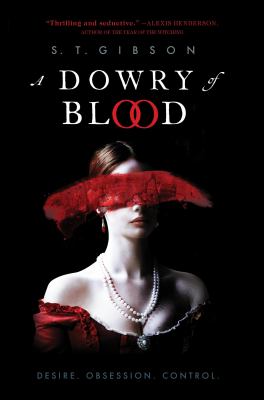
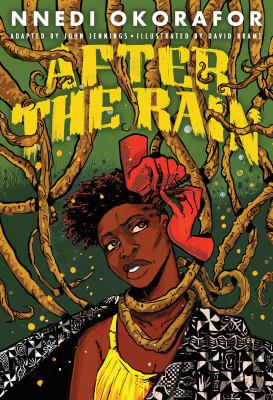
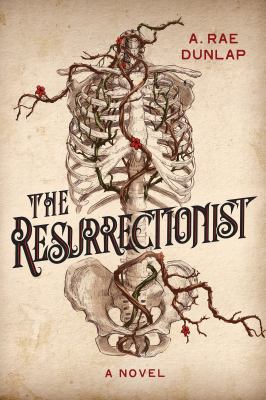
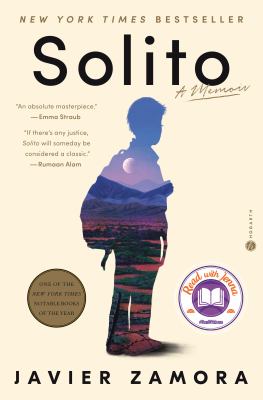
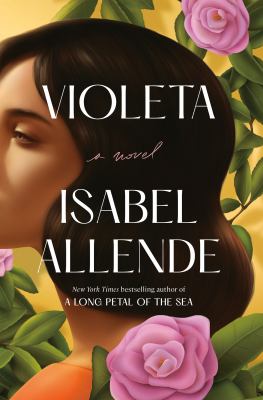
Need inspiration for what to read? Check out a few suggested reads below! See the full list on our catalog here. Make sure to also visit the library to explore our interactive book display.

If you need even more inspiration for books to read or listen to, feel free to request Personalized Reading Suggestions or check out the NoveList Plus database.

No registration is necessary to participate in the challenge. To get started, simply pick up a physical tracking log at the Reference Desk or print one out at home using the link provided in the Resources section of the Reading Challenge page at bit.ly/2025ReadingChallenge.

Happy reading!

2025 Reading Challenge! August

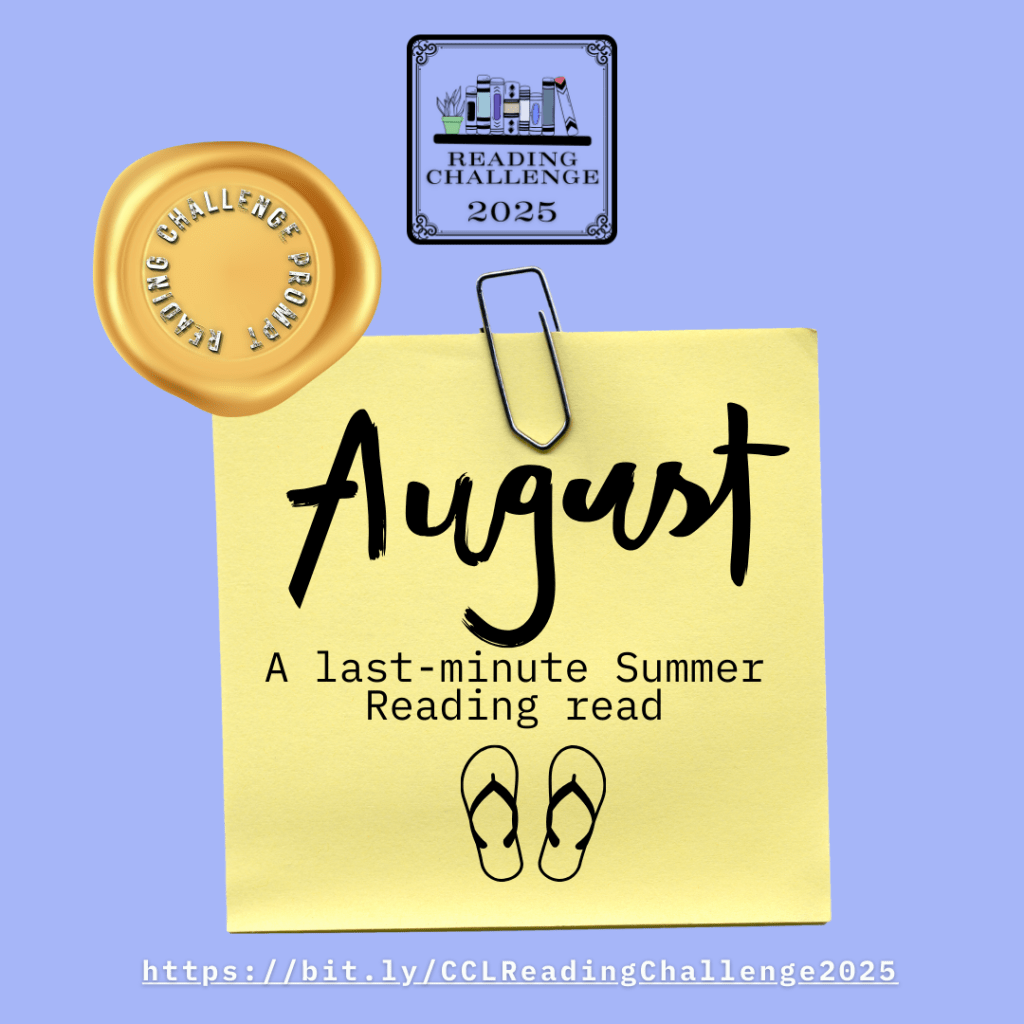
An image of a post-it on a blue background with the text "August: A last-minute Summer Reading read" written on it along with the image of a pair of flip-flops.

Welcome to the eighth month of the Chester County and Henrietta Hankin Branch Libraries’ 2025 Reading Challenge! The challenge is open to all readers reading at a Young Adult or Adult level in any format.

Each month, there will be a new reading prompt to follow. The reading challenge prompt for August is “A last-minute Summer Reading read.”

Need inspiration for what to read? Check out a few suggested reads below! See the full list on our catalog here. Make sure to also visit the library to explore our interactive book display.

If you need even more inspiration for books to read or listen to, feel free to request Personalized Reading Suggestions or check out the NoveList Plus database.

No registration is necessary to participate in the challenge. To get started, simply pick up a physical tracking log at the Reference Desk or print one out at home using the link provided in the Resources section of the Reading Challenge page at https://bit.ly/CCLReadingChallenge2025.

Happy reading!

Assistive Technology at the Library

Happy Global Accessibility Awareness Day! In honor of this, today I will be talking a bit about assistive technology.  Assistive technology is a general term for any device that helps make the world more accessible for those with disabilities and the elderly.  Even things you might not consider assistive technology might be to someone, such as audiobooks.  Here at the Chester County and Henrietta Hankin Branch Libraries, we have a growing collection of assistive devices targeted towards making the libraries more accessible spaces.  You can see the full list (current as of this post) below, but first, I will highlight a few that you may not be aware that we have.

Hearing Loop

An image of a cartoon hearing aid on a blue background with the text "Hearing Loop: Switch Hearing Aid to T-Coil" written underneath.

We have a hearing loop (also called an induction loop or hearing induction loop) installed in our Struble Room at the Chester County Library that allows hearing aids, cochlear implants, and other compatible receivers to connect to our sound system via telecoil (often shortened to t-coil).  A hearing loop is essentially just a large wire that gets buried under the carpet or otherwise placed around the borders of a room in a loop that gets wired into a sound system.  Then, any sound that runs through the sound system (for example: spoken into the microphone) gets fed into the hearing loop that sends out a signal that any t-coil enabled devices can pick up.  You must be within the loop in order for it to work (so for example, you can’t leave the Struble Room to go to the bathroom without it disconnecting as soon as you step out the door), but the sound quality is better than the quality you get with a Bluetooth device and also has none of the lag.

There are a couple options for connecting to our hearing loop at the Chester County Library.  First is simply by turning on the t-coil in your device while in the Struble Room.  On most hearing aids, for example, there is a little switch that may or may not be labeled that will turn on or off the t-coil.  If your device is not t-coil enabled, we have a receiver that you can wear around your neck that will connect to it.  You can plug headphones into it or connect to it via Bluetooth (for example, if you have a Bluetooth-only hearing aid).  This receiver is available to anyone who asks for it regardless of disability status, so feel free to ask us about it!

Brailler

A brailler, which looks similar to a typewriter in size and shape, in electric blue with a printed Unified English Braille Chart above it.

A traditional Brailler is a braille typewriter (also called a braille embosser) that allows a person to type in braille as you would with a typewriter.  The model that we have at the Chester County Library is both a braille typewriter and a braille printer.  This means that, not only can you type in braille, but you can also print pages of text from the internet.  The process of printing, however, is trickier than you might imagine. 

Many people assume braille is one to one – one letter to one braille character – but this is just level one braille.  Writing in only level one braille is roughly equivalent to using alphabet signs in sign language to spell out each and every word of a sentence.  Higher levels of braille make use of contractions, which are shorthand forms of commonly used words or combinations of letters, such as the single character used to represent the word “and”.  However, these shortcuts are often situational.  In order to print a page of online text, you have to run the text through transcription software, which is like the braille version of a word processor like Microsoft Word, and then print from there, but this potentially introduces errors if you don’t have a person who reads braille and understands the situation proofreading the transcription.  That’s not to say it isn’t useful or even readable; it might turn out similar to a document with a bunch of spelling or grammar errors, but that’s still understandable and might still be incredibly valuable for a reader of braille.

We recommend our Brailler to people working on getting their braille certification, those looking to come in and print something in braille to bring home for a person who reads braille, and, of course, for people who are blind or have low vision who read braille.  We have braille paper available for use, or you can bring in your own paper.  Our Brailler is in the makerspace at the Chester County Library.

Orcam MyEye

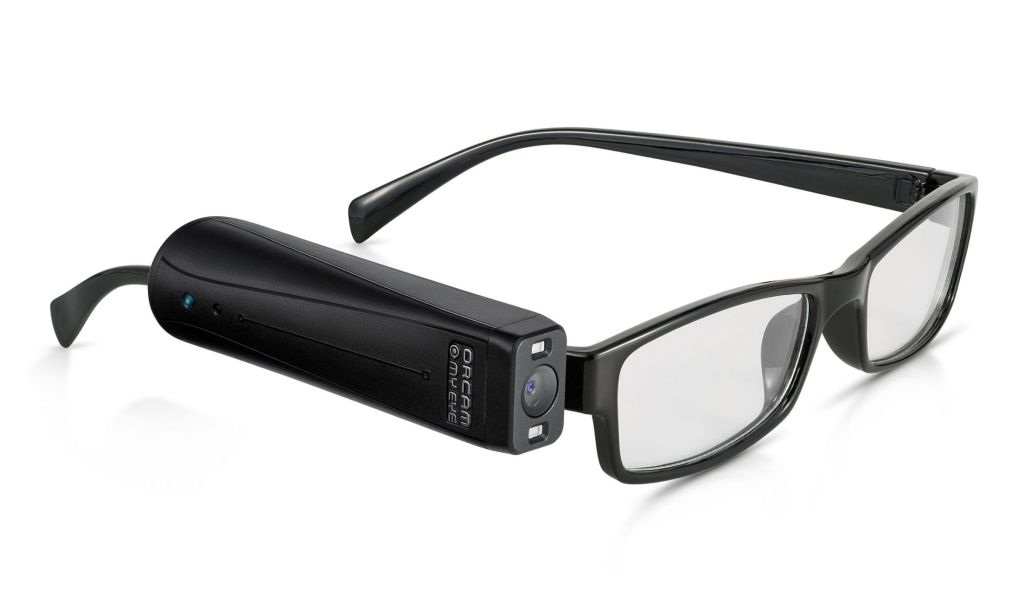
A photo of a pair of black-framed glasses with the Orcam MyEye clipped to the side.  The Orcam MyEye is black and sleek, about the size and shape of a lipstick tube, with a sensor on the outside and a camera lens on the front.

The Chester County Library has an Orcam MyEye, funded by the Lions Club and available from the Reference Desk upon request, which is a device that functions as a guide for people who are blind or who have low vision.  The device is about the size of lipstick tube.  It’s meant to be situated at eye level, so we have a pair of nonprescription glasses that we lend out with it that it will attach to via magnet.  Once turned on and situated appropriately, the device can verbally describe your surroundings, read printed text, clocks, and money, and so on.  It does so by recognizing your gestures (for example, if you point at an object, it will tell you what that object is, or if you point at a line of text, it will read it out loud) or by understanding certain tap sequences on its sensor (for example, slide forward, slide back, tap once, etc.).

It has trouble recognizing computer screens, but the better option for this is screen reading software, which we have upstairs in our Jacobs Technology Center (JTC).  PC 16 in the JTC has JAWS and ZoomText, which were gifted to us by the Chester County Association for the Blind and Visually Impaired (CCABVI).

Video Magnifiers

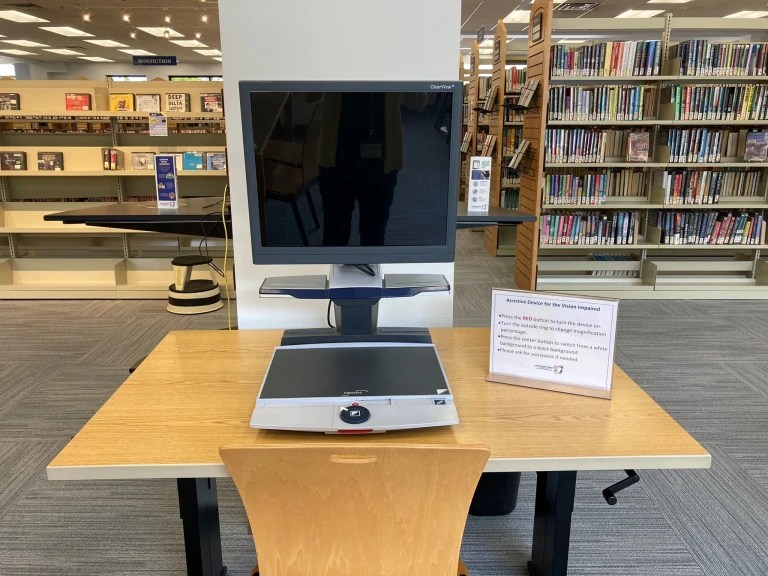
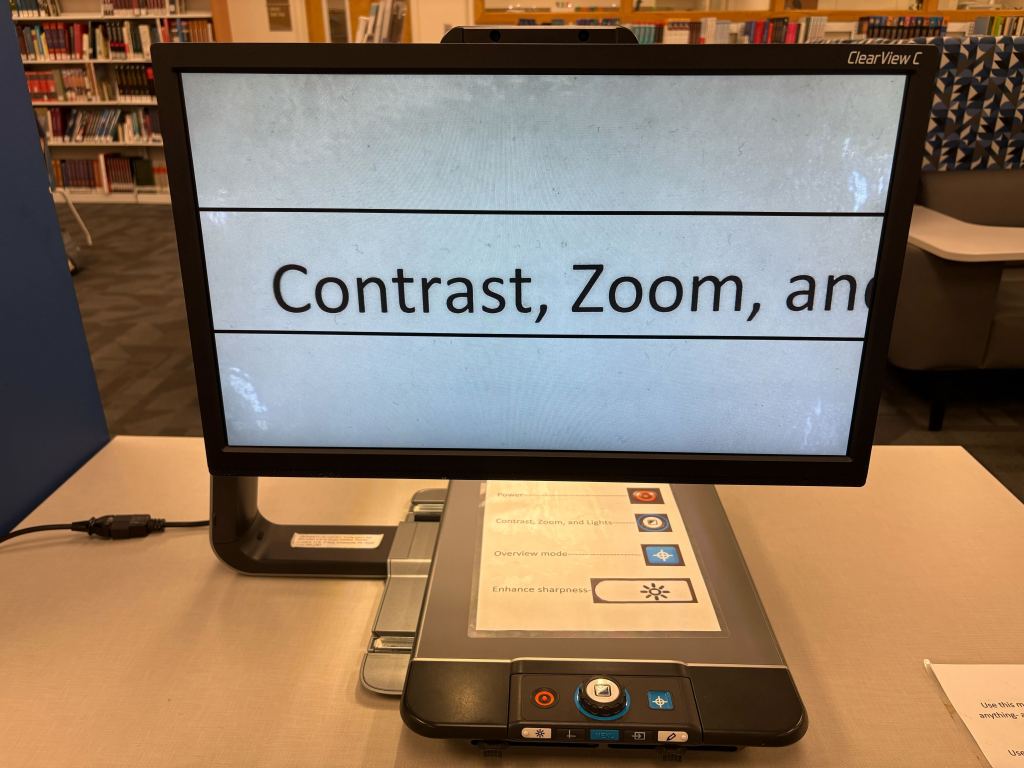
A video magnifier is a device that looks similar to a modified computer screen that can magnify physical objects, especially text, to massive sizes without losing quality, similar to how a digital microscope or telescope works.  It can also change contrast and color to various presets for common visual disabilities, or you can specify your own custom settings to accommodate your specific disability or neurodiversity.  You can also plug a device into it and use it as a monitor that can zoom in to far greater sizes than your standard computer can and without altering the formatting like you might if you use your browser’s built-in zoom function.

We have two video magnifiers available for use at any time, one at the Chester County Library and the other at the Henrietta Hankin Branch Library.

See the full list here:

  • Hearing Loop (CCL)
  • Brailler (CCL)
  • Orcam MyEye (CCL)
  • Video Magnifier (CCL, HHB)
  • JAWS software (CCL)
  • ZoomText software (CCL)
  • Touch screen PC (CCL, HHB)
  • Track ball mouse (CCL, HHB)
  • Large print, high contrast keyboard (CCL, HHB)
  • Touchpad (CCL)
  • Micro keyboard (CCL)
  • Key guard (CCL)

Databases Series: Research & Reference

Hello!  My name’s Rebecca.  For those who haven’t been following this series, I am the Information Literacy Librarian here at the Chester County Library.  (You might recognize me as the librarian with the purple hair!)  Welcome to this series here on our blog where every week (or thereabouts) I’ll be introducing you to one of the library’s databases.  A library database, for those who are unsure, is essentially just an online resource that the library pays for so that you can access it for free with your library card!

We’re nearing the end of this series, but I still have a couple more important topics to cover, the first of which is research and reference databases.  We have a number of research and reference databases both through us and through POWER Library targeted towards various age groups and covering a wide range of subjects.  These are useful for doing research, completing school papers or projects, homeschooling, or otherwise finding authoritative sources.  I will go over each of them briefly here:

Academic Search Main Edition (POWER Library):  This database includes full-text and peer-reviewed articles in subjects such as biology, chemistry, engineering, physics, psychology, religion, and theology.

Gale eBooks:  We currently have two Gale eBooks collections, one through POWER Library and one through CCL.  These collections include reference titles in the arts, biography, business, education, environment, general reference, history, literature, medicine, nation and world, science, and the social sciences.  CCL’s collection includes the Business Plans Handbook series.

GreenFILE (POWER Library):  GreenFILE offers well-researched information covering all aspects of human impact to the environment.  Its collection of scholarly, government, and general-interest titles includes content on global warming, green building, pollution, sustainable agriculture, renewable energy, recycling, and more.

IN CONTEXT: Middle School (POWER Library):  This database includes reliable and trusted information on a variety of topics to support middle school student research for government, U.S and world history, geography, literature, sciences, and social issues.

Kids InfoBits (POWER Library):  Elementary students in kindergarten through grade five will find age-appropriate content covering a broad range of educational topics such as animals, arts, geography, health, literature, people, social studies, technology, and etc.  Content is continuously updated and provides interesting and important facts with connections to current and past events.

Library, Information Science and Technology Abstracts (POWER Library):  This database indexes a number of journals, books, research reports, and proceedings in subjects such as librarianship, classification, cataloging, bibliometrics, online information retrieval, information management and more.  Coverage in the database extends back as far as the mid-1960s.

MasterFILE Premiere:  This database provides subject overviews, full text for magazine articles (including Consumer Reports Magazine and Consumer Reports Buying Guides), an image collection, and AP clips. (Please note that we will no longer have access to this database after June of this year, so use it now while you can!)

ONEFILE: High School Edition (POWER Library):  Secondary school students will have access to age-appropriate content from magazines, journals, newspapers, reference books, and engaging multi-media covering a wide range of subjects, from science, history, and literature to political science, sports, and environmental studies.

Science Reference Center:  Perform research from hundreds of full text science encyclopedias, reference books, periodicals, and other reliable sources.  View high-quality science images from sources such as UPI, Getty, NASA, National Geographic, and the Nature Picture Library.

SIRS Discoverer:  This database provides coverage in areas including history, health, language arts, math, science, social studies, and technology.  All newspaper, magazine, and reference book content is 100% full text, editorially-selected, and indexed from publishers such as Britannica, World Book, Rosen Publishing Group, Enslow, and ReferencePoint Press.

Teacher Reference Center:  Teacher Reference Center provides indexing and abstracts for 280 of the most popular teacher and administrator journals and magazines to assist professional educators.

Find these databases on our website by going to chescolibraries.org –> Tools and Research –> All CCLS Databases

This post is number 21 in this databases series!  If you missed the previous installments, you can view them here.

Databases Series: Auto Repair Source & Small Engine Repair Source

Hello!  My name’s Rebecca.  For those who haven’t been following this series, I am the Information Literacy Librarian here at the Chester County Library.  (You might recognize me as the librarian with the purple hair!)  Welcome to this series here on our blog where every week (or thereabouts) I’ll be introducing you to one of the library’s databases.  A library database, for those who are unsure, is essentially just an online resource that the library pays for so that you can access it for free with your library card!

Today, I’ll be talking about two resources provided to us through POWER Library.  You might have noticed me mention POWER Library in other posts before this, but I realize today that I’ve never told you what it is.  POWER Library is a collection of resources provided by the State Library of Pennsylvania to all residents of Pennsylvania.  As long as you have a library card for your local library (and, if you’re reading this, you likely have one through the Chester County Library System), you have access to POWER Library resources.

The resources that I will talk about today are Auto Repair Source and Small Engine Repair Source.  Both of these resources are meant to assist you in repairing your own machines so that you can skip the repair shop, save some money, make your machines last longer, and maybe even learn a new skill while you’re at it.

Auto Repair Source provides accurate, authoritative, and up-to-date service and repair info for thousands of vehicles.  The information is sourced from the Original Equipment Manufacturers (OEM) and includes step-by-step repair information, diagrams, maintenance schedules, parts and labor estimates, service bulletins, and recalls.  Simply enter the year, make, and model of your vehicle and engine type, then click into the part you want to address and view the information.

Small Engine Repair Source provides detailed repair guides for all types of small engines, from ATVs, boats, motorcycles, and snowmobiles to more household machines like generators, lawn mowers, and more.  The repair guides offer assistance with routine maintenance (tune-ups, break service, etc.) as well as extensive repairs such as engine and transmission disassembly.  Use the search bar to search by product type, brand, model/engine type, specific area of model/engine type, and model numbers, or browse the topics lists.

Find Auto Repair Source on our website by going to chescolibraries.org –> Tools and Research –> All CCLS Databases –> Auto Repair Source (POWER Library)

Find Small Engine Repair Source on our website by going to chescolibraries.org –> Tools and Research –> All CCLS Databases –> S –> Small Engine Repair Reference Center (POWER Library)

This post is number twenty in this databases series!  If you missed the previous installments, you can view them here.
Databases Series: Newspapers

Hello!  My name’s Rebecca.  For those who haven’t been following this series, I am the Information Literacy Librarian here at the Chester County Library.  (You might recognize me as the librarian with the purple hair!)  Welcome to this series here on our blog where every week (or thereabouts) I’ll be introducing you to one of the library’s databases.  A library database, for those who are unsure, is essentially just an online resource that the library pays for so that you can access it for free with your library card!

A few weeks ago, I introduced you to our Philadelphia Inquirer, New York Times, and News for You newspaper databases.  Today, I’m going to introduce you to the last of our newspaper databases: AP Newsroom and ONEFILE: News. 

AP Newsroom is relatively self-explanatory and simple to use.  It is news and photos, both current and historical, from the Associated Press as brought to us by EBSCO, a popular library resource company.  You can search by keyword, filter by type, or browse the collections available on the homepage.

ONEFILE: News is a database with over 3,500 different newspaper publications aggregated by Gale, another popular library resource company.  You can use the search bar to search by keyword if you’re looking to read articles about a particular topic, or, if you’re looking to read articles from a particular publication, go to the Publication Search and type in the name of the newspaper.  If ONEFILE: News carries the publication, you will see it pop up.  For example, ONEFILE: News carries The Washington Post from January 1, 2014 to current.  Click on the name of the newspaper, click on the date of the issue you want to read, and then all the articles from that issue will show up in a list of titles.  Simple click on the article you’d like to read, and it will provide the full text.

Find AP Newsroom on our website by going to chescolibraries.org –> Tools and Research –> All CCLS Databases –> AP Newsroom (POWER Library)

Find ONEFILE: News on our website by going to chescolibraries.org –> Tools and Research –> All CCLS Databases –> O –> ONEFILE: News (POWER Library)

This post is number nineteen in this databases series!  If you missed the previous installments, you can view them here.
Databases Series: Driver’s Education

Hello!  My name’s Rebecca.  I’m back again, and for those who haven’t been following this series, I am the Information Literacy Librarian here at the Chester County Library.  (You might recognize me as the librarian with the purple hair!)  Welcome to this series here on our blog where every week (or thereabouts) I’ll be introducing you to one of the library’s databases.  A library database, for those who are unsure, is essentially just an online resource that the library pays for so that you can access it for free with your library card!
Today’s resource is slightly different in that it’s a free resource that we have listed among our databases because we’ve found it to be an excellent, in-demand resource for those of you looking for help passing a driver’s exam.  This resource is driving-tests.org.  It contains practice tests, handbooks, video simulations, and more for car, commercial, and motorcycle driver’s license exams in all 50 States as well as the District of Columbia.  Just choose your state when you first click the link, toggle to the test for which you’d like to study, and begin.  You can also download the handbook for your exam directly from this resource; just scroll down towards the bottom of the page to find it.

Find Driving-tests.org by going directly to the website or by going to chescolibraries.org –> Tools and Research –> All CCLS Databases –> D –> Driver’s Education – Practice Tests and Handbooks

This post is number eighteen in this databases series!  If you missed the previous installments, you can view them here.